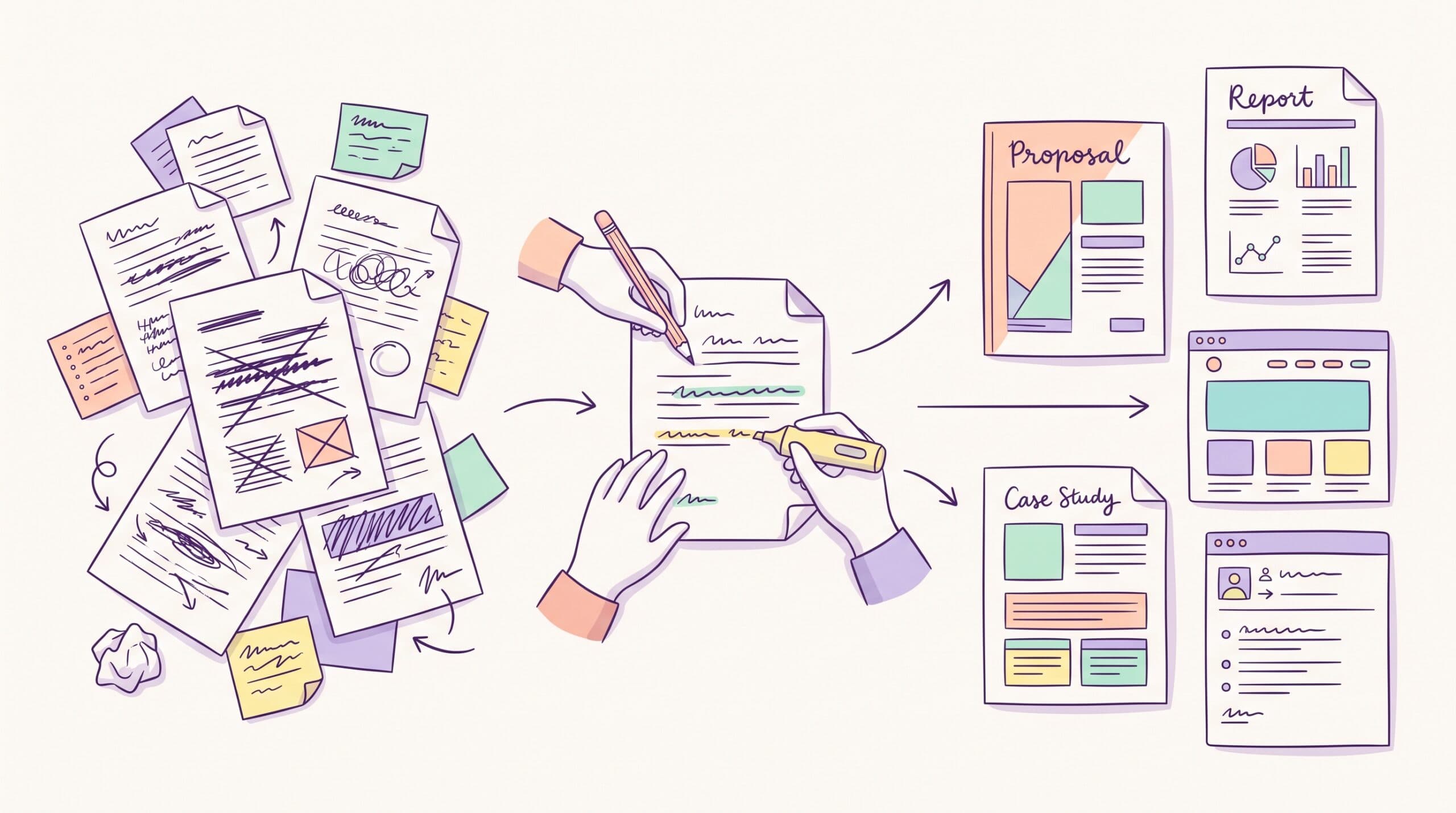

You have articles to publish, but nobody on your team has enough time to write them.
So you decide to hire a content writer.
Then the applications start arriving. One writer charges $100 an article. Another charges $1,200. Everyone claims to understand SEO. Their Portfolios look polished. And several applicants promise 48-hour delivery.
How do you figure out who can take work off your plate?
I’ve spent more than five years writing content for B2B software companies including HubSpot, Zapier, Vimeo, Paddle, Softr, Taboola, and CoSchedule. I’ve also seen what makes freelance writing relationships run smoothly and what leaves an editor rewriting half the draft.
This guide shows you how to hire a content writer, where to look, what to ask, how much to budget, and how to test a writer before giving them several assignments.
If you’re specifically looking for someone to write SEO content for a B2B SaaS company, you can see examples of my work and decide whether I’m a fit.
Signs it’s time to hire a content writer
Hire a content writer when valuable topics are sitting untouched because nobody on your team has the time, specialized skill, or bandwidth to turn them into publish-ready content. For B2B SaaS teams, that usually shows up in one of five ways.
Your backlog has outgrown your team’s capacity
The keyword research is done, sales has flagged the recurring objections, and product has a list of use cases nobody’s written up. There just aren’t enough hours to create the content. Meanwhile, competitors may already rank for “[your product] alternatives” or “best [your category] software,” and every month your version doesn’t exist is a month you’re missing from that comparison.
Your strategist is stuck writing instead of planning
If the person who should be deciding what to publish, what to refresh, and how your brand shows up in Google and AI search is spending the week on first drafts, the planning suffers. Briefs get thinner and refreshes get skipped. A writer who can turn a clear brief into a publish-ready draft lets the strategist own direction again.
The content needs judgment your team doesn’t have
Comparison pages, alternatives articles, product-led tutorials, and buyer guides need a different skill than general blog writing. A comparison page has to help buyers see real differences without reading like a competitor takedown, and it has to bring the product in naturally, not only in the closing CTA.
You’re testing a content motion before a full-time hire
A senior freelancer is often the right middle step before a full-time role, especially around a category push, a funding announcement, or a test of whether comparison pages can support pipeline. You get real execution without a permanent role, and you can start with a single paid trial piece before deciding whether to scale.
Your team’s expertise is trapped in people who can’t write it down
Sales knows the objections that come up against a specific competitor. Support knows which features customers misunderstand. A good B2B SaaS writer interviews those people and turns what they know into comparison sections, FAQs, and product-led examples, which is also what gives AI search tools something specific to cite.
Don’t hire yet if the strategy isn’t there
A writer can’t rescue a content program that doesn’t know what it’s trying to do. Before you hire, make sure you can answer three questions.
- What should this content help the business do?
- Who needs to read it?
- What should the reader understand or do after reading?
You don’t need a perfect strategy deck, but you do need enough direction for the writer to make smart decisions.
First, decide what you want the content writer to own
“Content writer” can describe very different jobs.
One company might give its writer a detailed brief, research links, product screenshots, and an approved outline. The writer’s responsibility starts with the first draft.
Another company expects the writer to receive a keyword and handle everything else.
Before you start looking at content writers for hire, decide which of these responsibilities you want to hand over:
- Topic and keyword research
- Search intent analysis
- Content briefs and outlines
- Subject-matter expert interviews
- Product research and testing
- Writing and sourcing
- Screenshots
- SEO optimization
- Internal linking
- Editing and revisions
- CMS upload
Someone who can write from a finished brief may be considerably cheaper than a writer who owns the article from initial research through final draft.
If you already have more approved briefs than your team can publish, I’ve covered four ways to add writing capacity. If you’re still deciding whether external writing support makes sense, weigh the costs and risks of outsourcing content writing first.
What type of content writer should you hire?
The right title depends on what you’re asking the person to produce.
| Type of writer | Hire them when you need |
| Blog writer | Regular educational or editorial blog posts |
| SEO content writer | Articles targeting organic search queries |
| Website content writer | Service, solution, industry, and website pages |
| B2B content writer | Content aimed at business buyers |
| SaaS content writer | Software content requiring product and category knowledge |
| Technical writer | Documentation and technically detailed educational material |
| Copywriter | Landing pages, campaigns, ads, and conversion-focused copy |
There’s overlap.
A strong freelance SEO content writer, for example, may write blog posts, comparison pages, product-led guides, and website pages.
The useful question is: Has this person already done the kind of writing I need?
If you sell software and need a writer who understands product positioning, search intent, and business buyers, you can narrow your search further to a B2B SaaS content writer.
Where can you hire a content writer?
There are several good places to find writers. Your budget, required experience, publishing volume, and internal editing capacity should influence where you look.
Hire a freelance writer directly
Search LinkedIn, Google, industry communities, and writer websites.
Direct hiring allows you to review someone’s published work before speaking with them. You also communicate directly with the person doing the research and writing.
One method I like is simple: find articles in your industry that you think are excellent and look at the byline.
Use a freelance marketplace
Upwork and Contra both let you browse freelance content writers or post a project and receive applications. Upwork’s current content-writer marketplace also provides job-description and interview resources for employers.
Marketplaces can give you a large candidate pool quickly. You’ll still need a good screening process because experience and pricing vary widely.
Post on a writing job board
A dedicated writing board can help you reach people actively looking for writing assignments. ProBlogger’s job board, for example, currently lists freelance and employed blog/article-writing roles.
Ask for referrals
Ask content managers, SEO leads, founders, or editors whose content you respect.
A referral doesn’t remove the need to evaluate the writer, but it gives you another data point beyond the writer’s own website or portfolio.
If you want names to start with, I’ve also put together lists of content writers for hire and B2B SaaS content writers.
How to evaluate a content writer before hiring them
Start with their portfolio, but don’t stop there.
Read samples similar to what you’re commissioning
Hiring someone for a 2,500-word software comparison based on a beautifully written 600-word lifestyle article doesn’t tell you much.
Ask for two or three relevant examples.
While reading them, look for:
- Does the writer understand who they’re talking to?
- Can they explain complicated ideas clearly?
- Are claims supported with credible sources?
- Does the article contain useful specifics?
- Can they discuss products without sounding like a brochure?
- Would you feel comfortable publishing the draft under your company’s name?
For SEO content, check whether the writer understands search intent and can add something useful beyond a rewritten version of what’s already ranking.
Google’s own guidance recommends creating helpful, reliable, people-first content, including content that demonstrates experience and expertise where relevant.
Find out what the writer personally did
A polished article doesn’t tell you how it became polished.
Ask:
“What did you personally handle on this piece?”
You may discover that the company supplied the research, outline, interviews, screenshots, and two editors.
Or you may discover the writer took a keyword, interviewed an expert, tested the software, built the outline, sourced the claims, and delivered the final draft.
Those are different services.
Ask them to walk you through one sample
One of the most useful questions you can ask is “Can you walk me through how you approached this piece?”
A strong answer shows a reason behind every decision. For a project management software comparison, it might sound like this: the reader already knows they need PM software, so I skipped the definition most competitors open with, put the client’s product first where it’s genuinely stronger, added a “best for” line under each tool, and pointed the CTA to a free trial because the searcher isn’t ready for a demo.
A weak answer describes the topic instead. “I covered the top tools, their features, and pricing, then wrote a conclusion” tells you the structure came from a template, not a decision.
Look for proof beyond writing quality
If you’re hiring for SEO, ask whether any of their articles rank.
If you’re hiring someone for commercial content, ask whether they can show an article tied to trials, demos, leads, or revenue.
The writer doesn’t control every business result. Site authority, distribution, links, product demand, and your conversion path all influence performance.
Still, proof tells you whether the writer has experience producing the type of content you’re buying.
Ask these questions before you hire a content writer
You don’t need a 45-question interview.
I’d focus on questions that show you how the person approaches the work:
- Can you show me two articles similar to what we’ll need?
- What did you personally own on those articles?
- How do you research a topic you haven’t written about before?
- What do you need from my team before starting?
- How do you learn enough about our product to write accurately?
- How do you approach SEO and search intent?
- How do you use AI during research or writing?
- What’s included in your fee?
- How many revisions do you include?
- What’s your typical turnaround time?
I’d pay particular attention to the AI question.
Using AI alone shouldn’t disqualify a writer. Google says generative AI can assist with research and structuring content, while warning against producing large amounts of low-value pages simply to manipulate search visibility.
You want to know where the writer’s judgment enters the process: original research, product experience, interviews, fact-checking, examples, positioning, and editing.
Give the writer a paid trial article
A paid trial gives you better information than another interview.
Michael Lynch makes the same recommendation in his detailed guide to hiring content writers, which is based on his experience recruiting writers for his own businesses.
Use a real assignment from your publishing plan.
Give the candidate the same materials and access they’d receive after being hired. Then evaluate the entire experience:
Before the draft: Did they ask useful questions? Did they identify gaps in the brief?
During production: Did they communicate clearly and meet the agreed deadline?
After delivery: How much editing did your team have to do? Were the facts accurate? Did the writer respond well to feedback?
Pay attention to the second article too.
A good writer should remember feedback, not make you repeat the same corrections every month.
Red flags during the trial
Some warning signs only show up once someone is working on a real assignment.
- They can’t explain their own structural choices. If you ask why a section is ordered the way it is and get a restated summary of the topic, the structure probably came from a template.
- They get defensive about feedback. Pushback with reasons is healthy. Treating every note as an attack tells you what a long-term working relationship will feel like.
- They ask no questions before starting. A writer who takes a one-line brief and disappears usually comes back with a draft that needs rebuilding.
- They oversell speed. A 24-hour turnaround on a piece that needs real research is a warning, since fast and unprepared is worse than properly paced.
How much does it cost to hire a content writer?
Content writer rates vary considerably based on experience, industry knowledge, research requirements, and scope.
Upwork currently lists a median hourly rate of $25 for content writers on its platform, with a typical range of $15–$40 per hour. Those marketplace figures include writers across many experience levels and content types.
For B2B work, I’ve found per-project pricing more useful because two 1,500-word assignments can require very different amounts of research.
Across the wider market, content writer rates also shift with niche and research depth. For B2B specifically, the freelance B2B content writer cost guide explains what changes as you move from straightforward articles to research-heavy product and decision-stage content.
For my own work, a straightforward article from an approved brief starts at $600. Product-led SEO pieces that require deeper research, product testing, screenshots, interviews, or competitive analysis start at $8000.
The rate should make sense relative to how much of the article the writer is taking off your plate.
Should you hire a freelancer, agency, or in-house writer?
Each model solves a different capacity problem.
Hire a freelancer when you want direct access to the writer and need flexible production without adding another employee.
Hire an agency when the project also requires services such as broader strategy, multiple writers, editing, design, project management, technical SEO, or link building.
Hire in-house when you have enough continuous work to justify a dedicated employee and want someone immersed in your company every day.
I’ve compared the three models in more detail in my agency vs. freelancer guide.
If you need more production capacity than one writer can provide, managed content writing services can supply a team.
Give your writer enough context to do strong work
Hiring well won’t help if the person starts every assignment with only a keyword and a due date.
For a typical SEO article, I’d give the writer:
- The intended reader
- Target keyword or search question
- The purpose of the article
- Relevant product information
- Brand and editorial guidelines
- Internal pages worth considering
- Access to an SME when the topic requires it
- Examples of previous content you like
- A clear deadline and review process
For product-led content, give the writer product access whenever practical.
They’ll have a much easier time explaining a workflow after they’ve used it.
Expert interviews can also fill gaps that public research can’t. My process for conducting expert interviews for articles shows how I use internal knowledge to make B2B content more specific.
Before the first assignment, set up the basics so the writer isn’t starting from scratch.
- A signed contract with deliverables, ownership, and confidentiality terms
- A clear scope covering article types, volume, revisions, and timelines
- Payment terms and the invoicing process
- Access to the tools they’ll use, like your shared drive, project tracker, and CMS
- One project owner for briefs, feedback, and approvals
- A kickoff call covering the product, audience, workflow, and first assignment
- An overview of your content strategy, product, buyers, and competitors
- Your style guide and two or three published examples you like
Short admin setup doesn’t usually need a separate fee. If onboarding involves several meetings, product training, or reviewing a large amount of documentation, include it in the paid scope.
Know when you’ve made a good hire
A good content writer should gradually reduce the amount of management each article requires.
After a few assignments, you should see:
- Fewer corrections around your product and positioning
- Drafts arriving when promised
- Feedback carried into future pieces
- Questions asked before problems appear
- Less editing before publication
You should know who’s responsible for each step from brief to final draft, and you shouldn’t have to chase the writer for basic updates.
If every article still requires several hours of restructuring after three months, revisit the relationship.
Looking to hire a B2B SaaS content writer?
I’m Nathan Ojaokomo, a freelance content writer and strategist for B2B software companies.
I’ve written for companies including HubSpot, Zapier, Vimeo, Paddle, MoEngage, Softr, Taboola, CoSchedule, and Coda. My portfolio includes SEO articles, product-led guides, comparison content, and other work for software buyers.
One article I wrote helped a client generate $36,000 in ARR. I’ve also written content that reached #1 positions for commercial searches and articles that attract thousands of organic visits per month.
You can bring me an approved brief and have me handle the research and writing. Or I can help identify the buyer-intent topics worth publishing before I write them.
If you have articles waiting to be written, see my B2B content writing service and book a call.
Frequently asked questions about hiring a content writer
How do I hire a good content writer?
Define the exact content you need, review relevant samples, ask about the writer’s role in producing those samples, discuss their process, and run a paid trial using a real assignment. Evaluate reliability and the amount of editing required alongside writing quality.
Where can I find content writers for hire?
You can find content writers through referrals, LinkedIn, Google, freelance marketplaces such as Upwork and Contra, writing job boards, agencies, and writers’ personal websites.
Should I hire a blog writer or an SEO content writer?
Hire a blog writer when your main requirement is regular editorial content. Hire an SEO content writer when each article also needs to target a search query, match search intent, and handle on-page optimization. If you’d rather hire a team than an individual, compare the best blog writing services.
Should I pay for a writing test?
Yes. If you want a candidate to produce original work that you could use, make the trial paid. A real assignment also gives both sides a better picture of the working relationship.
How many articles can one freelance content writer produce?
It depends on article complexity. Deep product research, interviews, hands-on testing, and original screenshots all add production time. Ask the writer what monthly capacity they can reliably commit to for your specific type of content rather than requesting an arbitrary article count.
When should you hire a content writer?
Hire a content writer when valuable topics are sitting untouched because nobody on your team has the time, skill, or bandwidth to turn them into publish-ready content. Common triggers are a growing backlog, a strategist stuck writing drafts, or content that needs specialist judgment your team doesn’t have.
How do you onboard a freelance writer?
Set up the contract, scope, payment terms, tool access, and a single project owner before work begins. Then share the context the writer needs, including your goals, audience, product information, style guide, examples, and a detailed first brief, and ask for an outline before the draft.